
The all-in-one macOS app switcher
Sxitch is a macOS app switcher that lets you select apps by their name. Type the target apps name, and once there's only a valid match, Sxitch will switch to the app instantly.
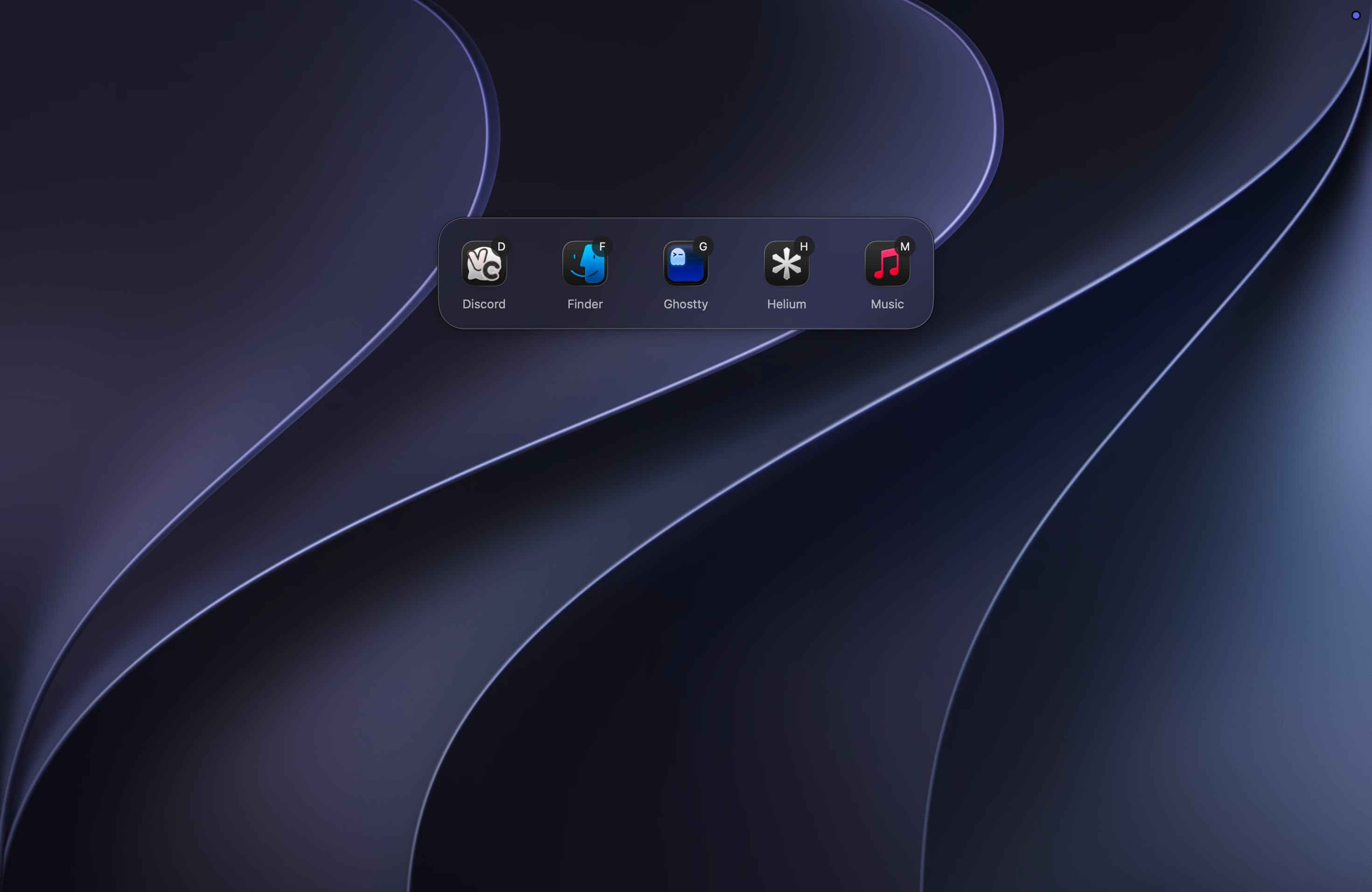
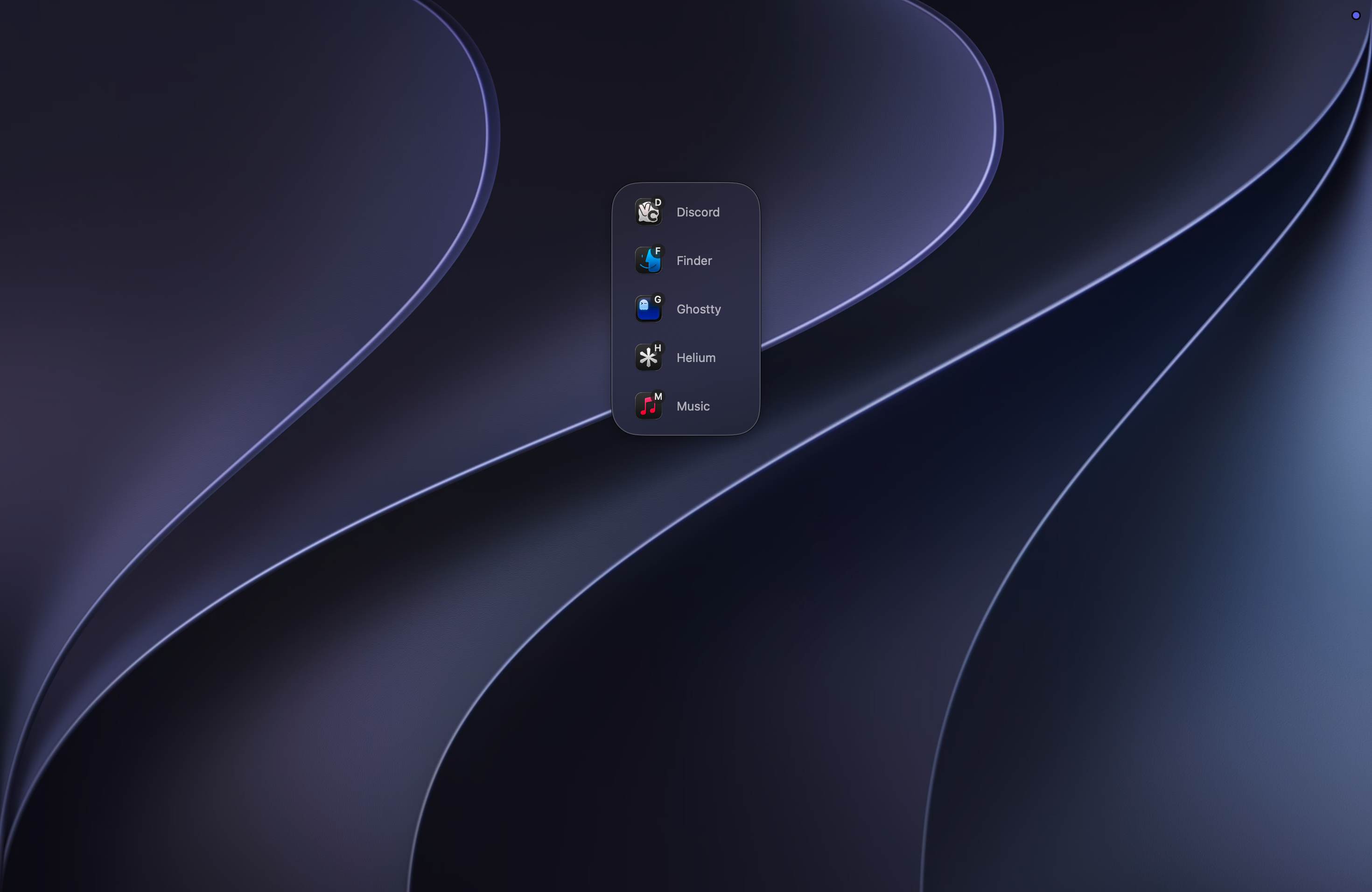
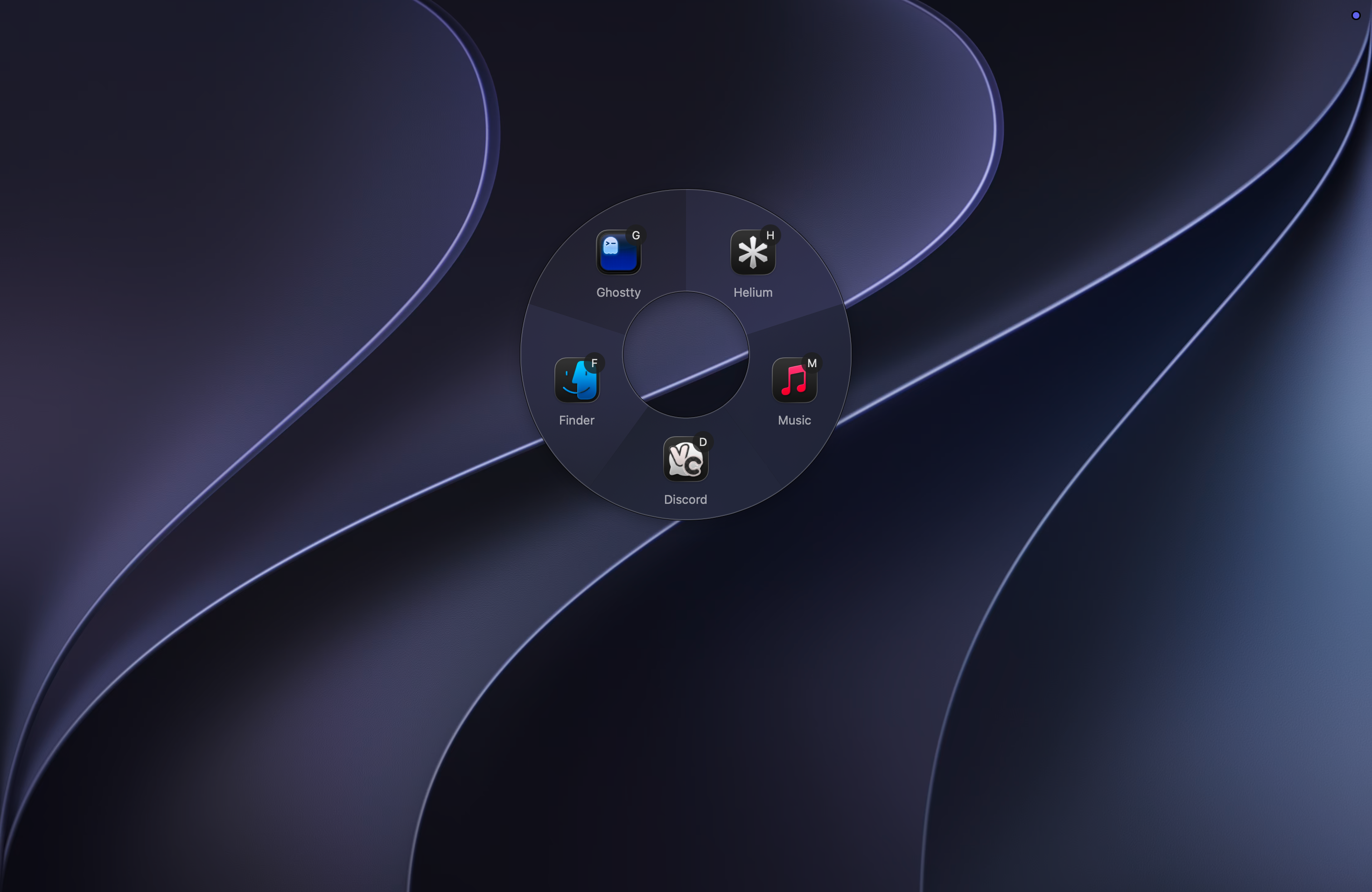
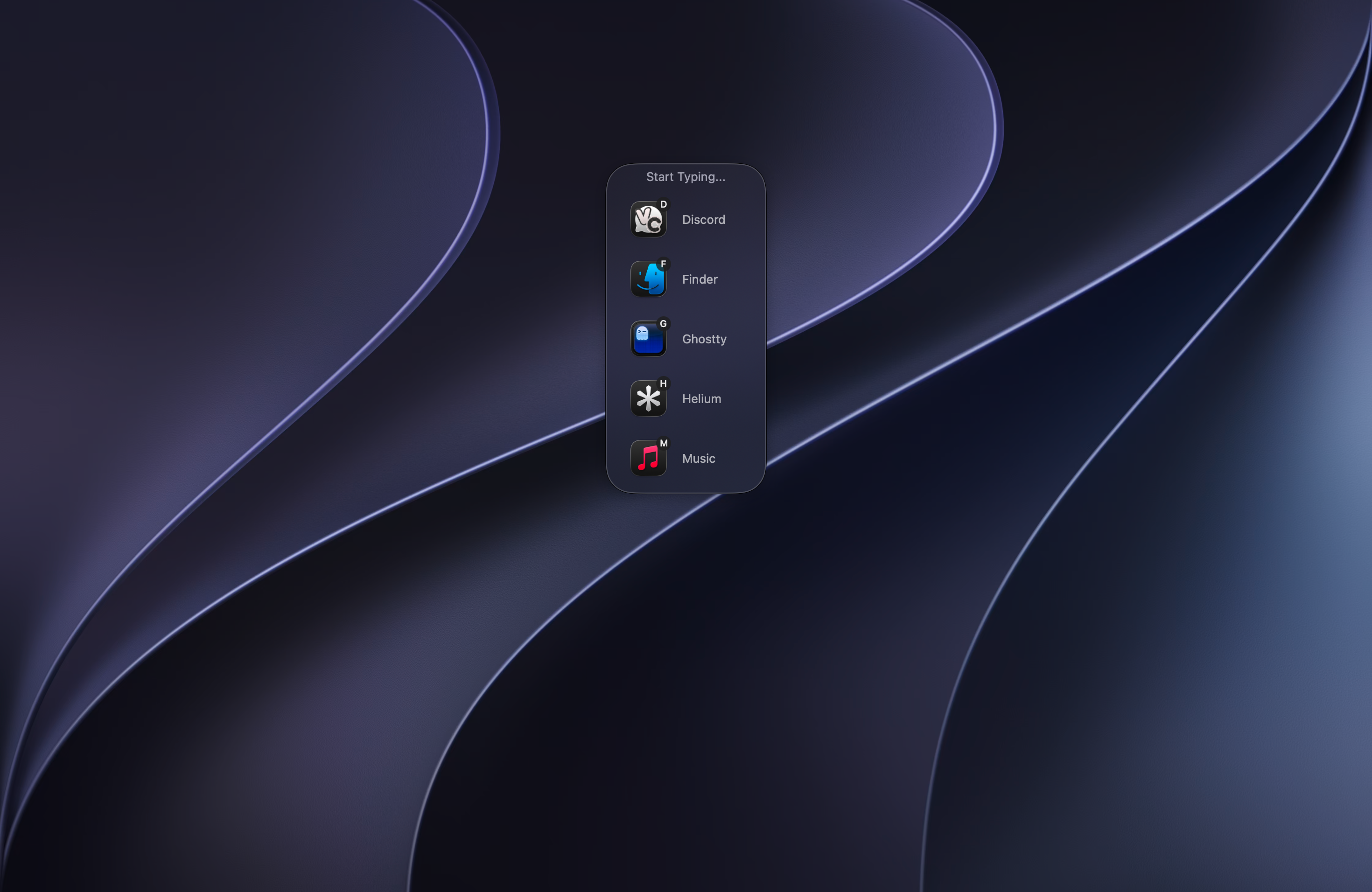
Pick the view that fits.
Grid, list, radial or search. They all give you instant access to every open app.
Rename apps.
Tired of an app showing up under a name you never use? Rename it in Sxitch and find it by the name you know.
Pin the apps you use most.
Keep your go-to apps pinned at the top so they are always one keystroke away.
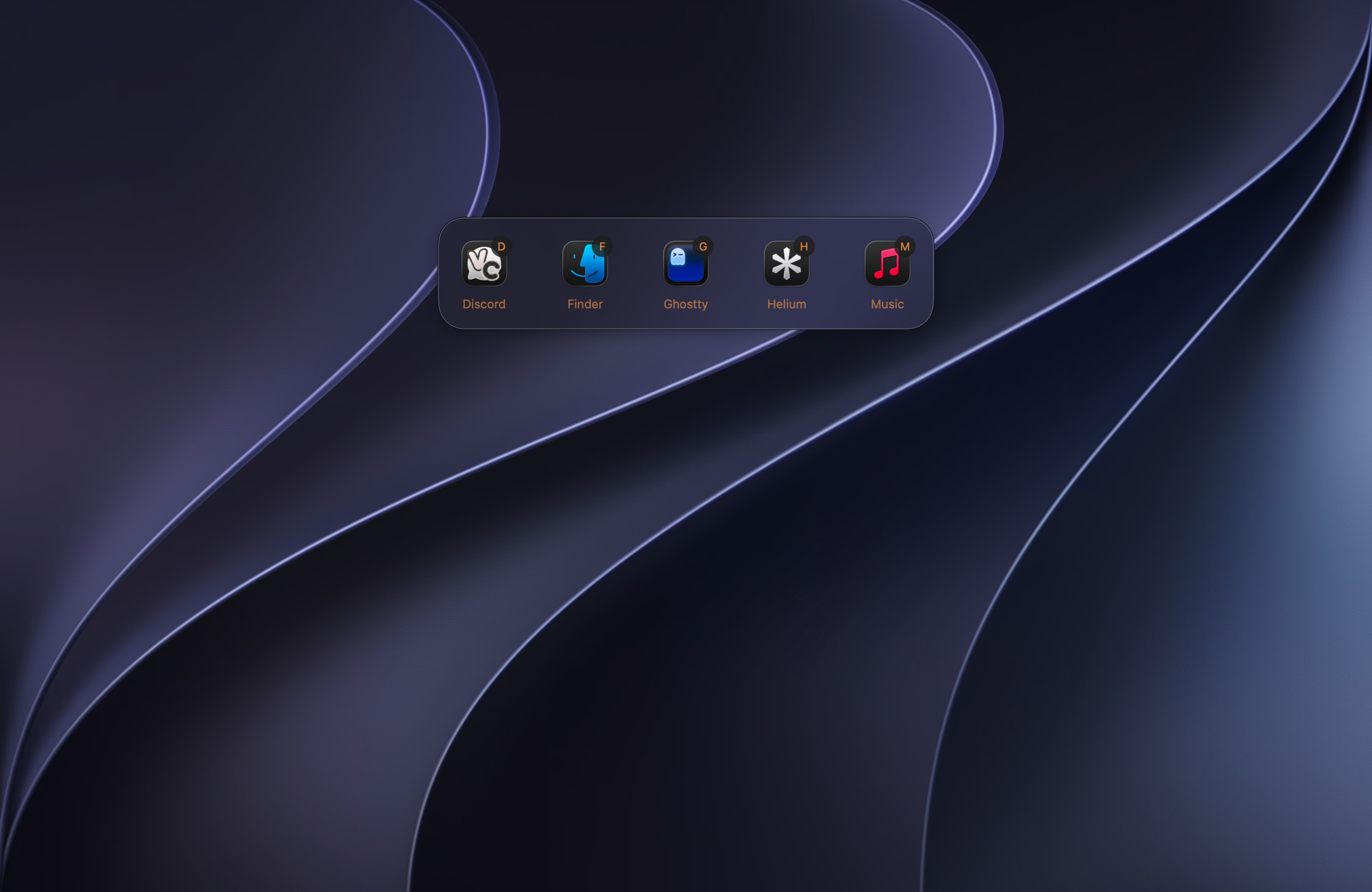
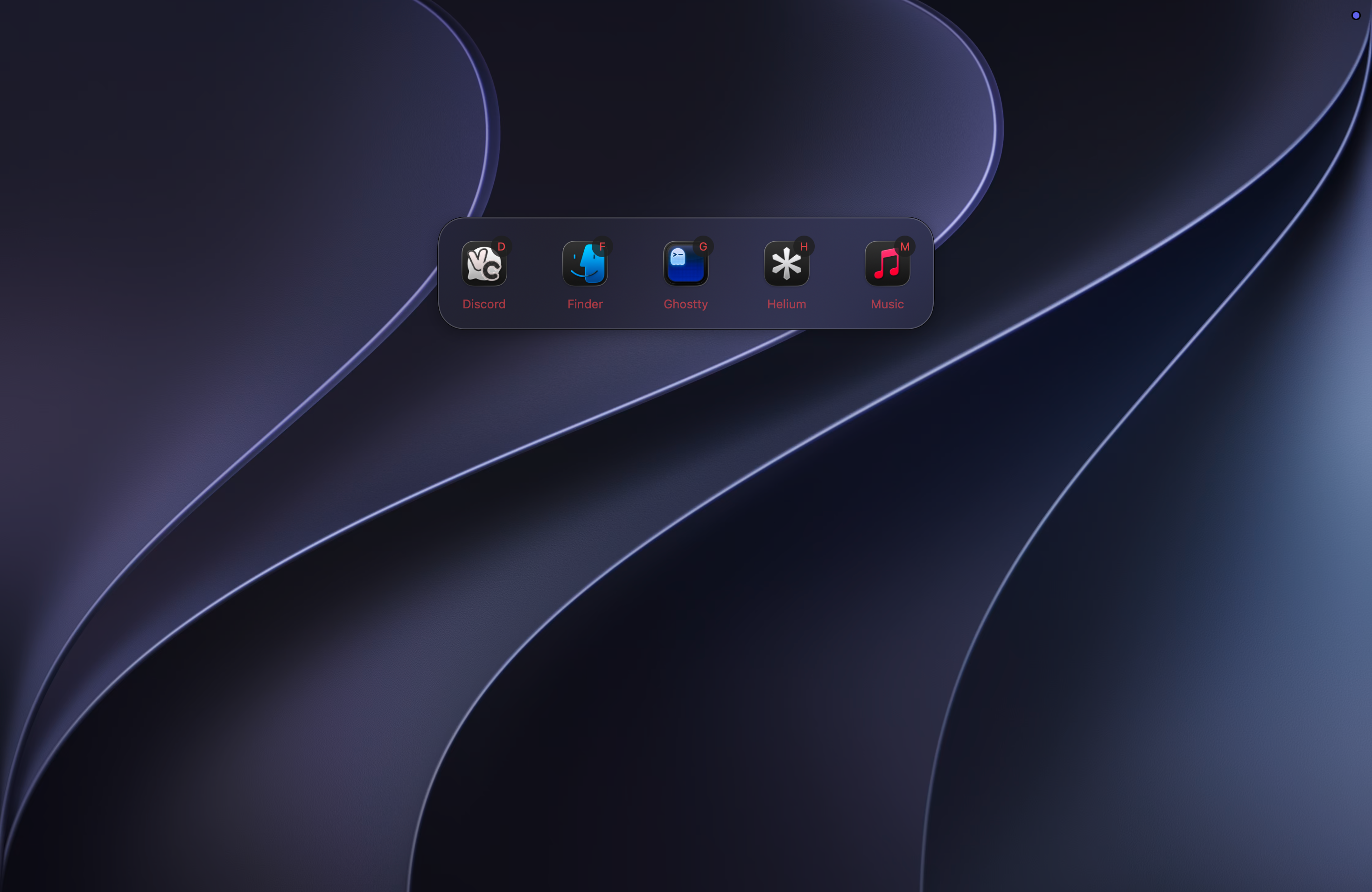
Hide or Quit apps. Instantly.
Enter Hide mode to clean up your workspace, or Quit mode to terminate anything you are done with. One keystroke is all it takes.
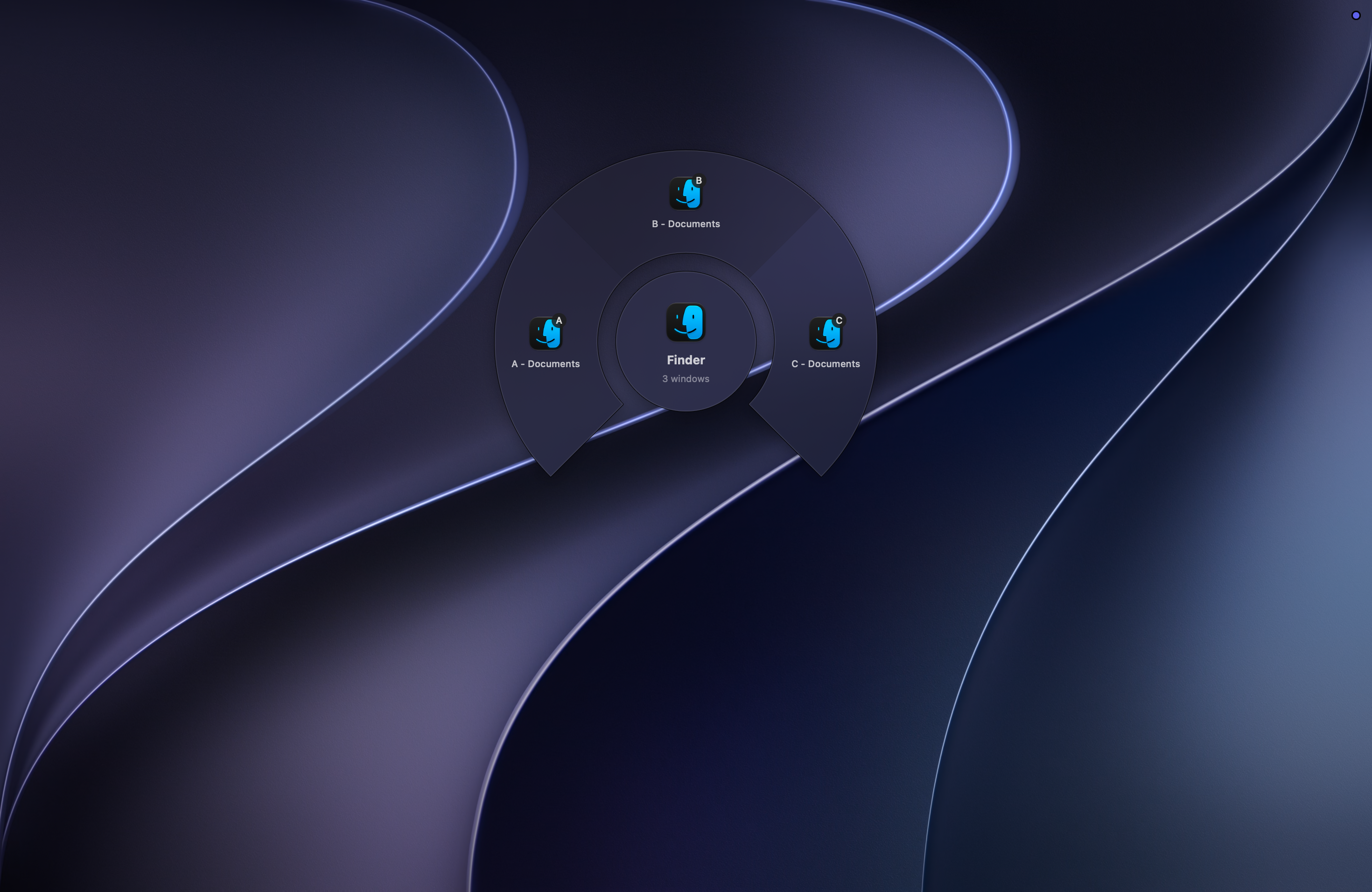
Pick the exact window.
When an app has more than one window, take a second keystroke to land on the exact one.
Blacklist apps.
Stop apps from showing up in Sxitch, so your switcher only switches to what you need.
Custom modes.
Add a set of apps or shell commands and run them from Sxitch with their own custom icons.
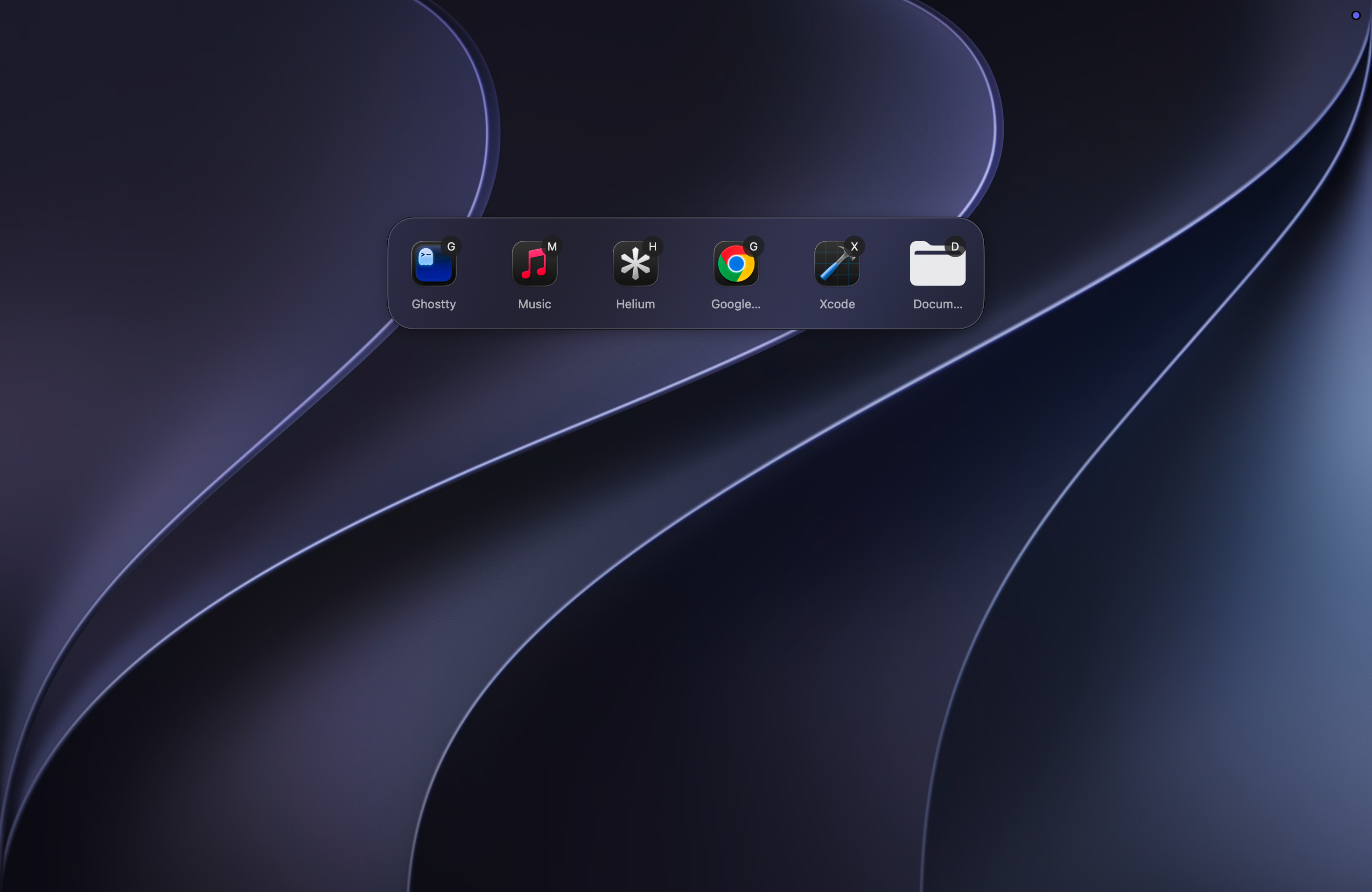
Type a letter. Follow the branch.
Type the first letters of any app name. Sxitch narrows the tree and switches the moment only one match is left.
Free to start.
All views, all themes and tree-based switching, free. No account required.
Get it nowGet Sxitch
Choose your preferred install method. No account required.
macOS 15+ · Apple Silicon & Intel
Pay once. Yours forever.
Buy it, own it.
- Hide / Quit mode
- Overrides and blacklists
- Unlimited modes
- Window picking
- App renames
- App pinning
- All future updates included
- No account required
Questions, answered
Everything people usually ask about Sxitch, straight from the source.
Pricing
What the free version includes, what Pro unlocks, and how payment works.
What is your refund policy?
You get a full refund within 7 days of purchase. Just email admin@sxitch.app or reach out on Discord and it will be processed. No questions asked.
What does the Pro version add over the free version?
Pro adds window picking (switch between multiple windows of the same app), app hiding and quitting from the switcher, launching apps from custom hotkeys, key remapping within Sxitch, and unlimited custom modes. The free version includes 2 custom modes and core app switching.
Are there device limits on the free plan?
The free plan has no device count attached. It is simply free to use on your Macs. Pro licenses cover 3 Macs per purchase. If you need Pro on more than 3 Macs, get in touch and we will work something out.
I lost my license key. How do I recover it?
As long as you still have the email address you used to purchase Sxitch, you can retrieve and manage your license key anytime from the Polar customer portal at polar.sh/sxitch/portal. If that doesn't work, email admin@sxitch.app from the address you used at purchase and the key will be resent to you.
Does Sxitch accept Apple Pay?
Sxitch uses Polar.sh as the payment processor, which is outside of the Mac App Store. Apple Pay support depends on Polar. Since Polar's embedded checkout doesn't support Apple Pay, open the checkout link in a new tab, and Apple Pay will work.
Is Sxitch paid or open source?
Sxitch is open source, and has certain features behind a paywall. Sxitch was open sourced for transparency with its users due to the permissions it required.
Features
Everything Sxitch can do, from type-to-switch and window picking to hiding, quitting, and custom modes.
Does Sxitch work with multiple windows of the same app?
Yes, in the Pro version. When you have multiple windows open for an app like Ghostty, you select the app first and then choose which window you want to switch to.
Can I assign a fixed key sequence to a specific app?
Yes. You can set a key remap so that, for example, pressing 'F' always opens Finder regardless of what other apps are open. You can also set sequences like 'fi' to always filter for Firefox and Finder. This is what makes the muscle memory approach work. You can also rename an app to what would fit your workflow better.
What happens when two open apps start with the same letter?
Sxitch asks you to type more characters to disambiguate. So if both Mail and Music are open, pressing 'M' narrows it down and then 'Ma' selects Mail while 'Mu' selects Music. You can also set a key remap to skip this disambiguation entirely.
How does Sxitch handle macOS Spaces and full-screen apps?
Sxitch will move you to the Space where the target app has its windows. You need to enable 'When switching to an application, switch to a Space with open windows for the application' in System Settings > Desktop and Dock (scroll to the bottom). macOS handles the Space transition automatically after that.
Does Sxitch require holding a key while switching?
No. The default flow is: tap your trigger hotkey to open Sxitch, type the letters for your target app, and Sxitch switches instantly without any confirmation key. You do not need to hold the trigger key down while you type.
Can I use Sxitch with a mouse instead of the keyboard?
You can click on apps in the switcher with your mouse and also let sxitch show up at your cursor position, but Sxitch is designed around keyboard use. The radial, list, and grid views are all navigable by keyboard.
Comparisons
How Sxitch stacks up against other app switchers like rcmd, Dory, AltTab and Contexts.
Does Sxitch conflict with AltTab or other app switchers?
No. Sxitch has a fully customisable trigger hotkey, so you can assign it to a different key combination and run both side by side without conflicts.
How is Sxitch different from rcmd?
Both use a keyboard-first, non-cycling approach. The main differences are that Sxitch adds radial, list, and grid view layouts, supports custom modes (quick-access app groups), window picking, vendor prefix stripping (so 'Microsoft Word' becomes 'Word'), and app hiding or quitting from within the switcher.
How is Sxitch different from Dory?
Dory prioritises using the mouse for switching, whereas Sxitch focusses more on the keyboard with mouse also being an option.
Other
Privacy, system requirements, installation, and everything in between.
What is Sxitch?
Sxitch (pronounced 'switch') is a native macOS app switcher and CMD Tab replacement. Instead of cycling through the CMD Tab bar, you trigger Sxitch with a hotkey and type the first letters of the app's name, and it switches the moment there is a single match. It also offers multiple views (grid, list, radial and search), window picking, hide and quit modes, custom themes, and app blacklists.
Does Sxitch run locally or does it interact with an external server?
Sxitch runs 100% on your Mac. The only time it touches the network is to verify your license key. No telemetry, no cloud dependency.
Why does Sxitch need Screen Recording permission?
Sxitch does not capture your screen. It needs this permission to get the list of windows and their metadata via standard macOS accessibility APIs.
What macOS version does Sxitch require?
Sxitch requires macOS 15 (Sequoia) or later. It is a native SwiftUI app built for Apple Silicon and Intel Macs.
How do I install Sxitch via Homebrew?
Run 'brew install --cask sxitch' in Terminal. You can also download the installer directly from sxitch.app.
Is Sxitch open source?
Yes. The source code is available on GitHub at github.com/MystikoLab/sxitch under the Apache 2.0 license. Stars are appreciated and help the project get listed on the official Homebrew cask.